IDE Plugins
Performing security testing earlier in the SDLC is one of the best ways to reduce security risks and the cost of fixing security issues.
Using NightVision’s VSCode Extension, developers can quickly and easily run DAST scans from their local environment using shared configuration. Once configured, developers do not need to have any security expertise to run scans from their local environment.
VSCode Extension
Section titled “VSCode Extension”Install
Section titled “Install”Open the NightVision Extension for Visual Studio Code in the Visual Studio Marketplace.
Dependencies
Section titled “Dependencies”For this example, we’ll be using the HTML5 Vulnweb website from the public vulnerable websites.
Projects
Section titled “Projects”Create a new project called HTML5-Vulnweb.
Targets
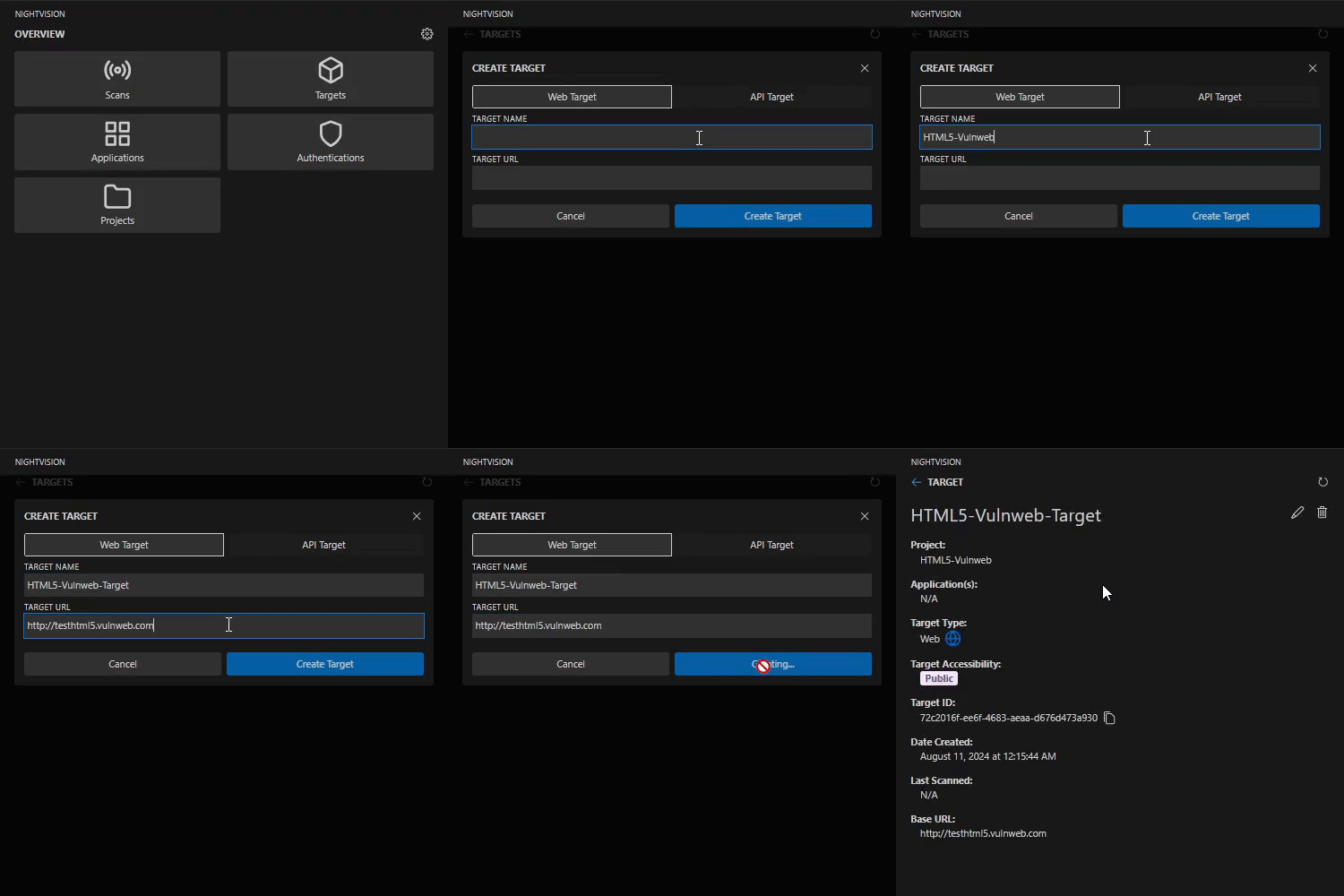
Section titled “Targets”Create a new target called HTML5-Vulnweb-Target and set the URL to http://testhtml5.vulnweb.com.
Authentications
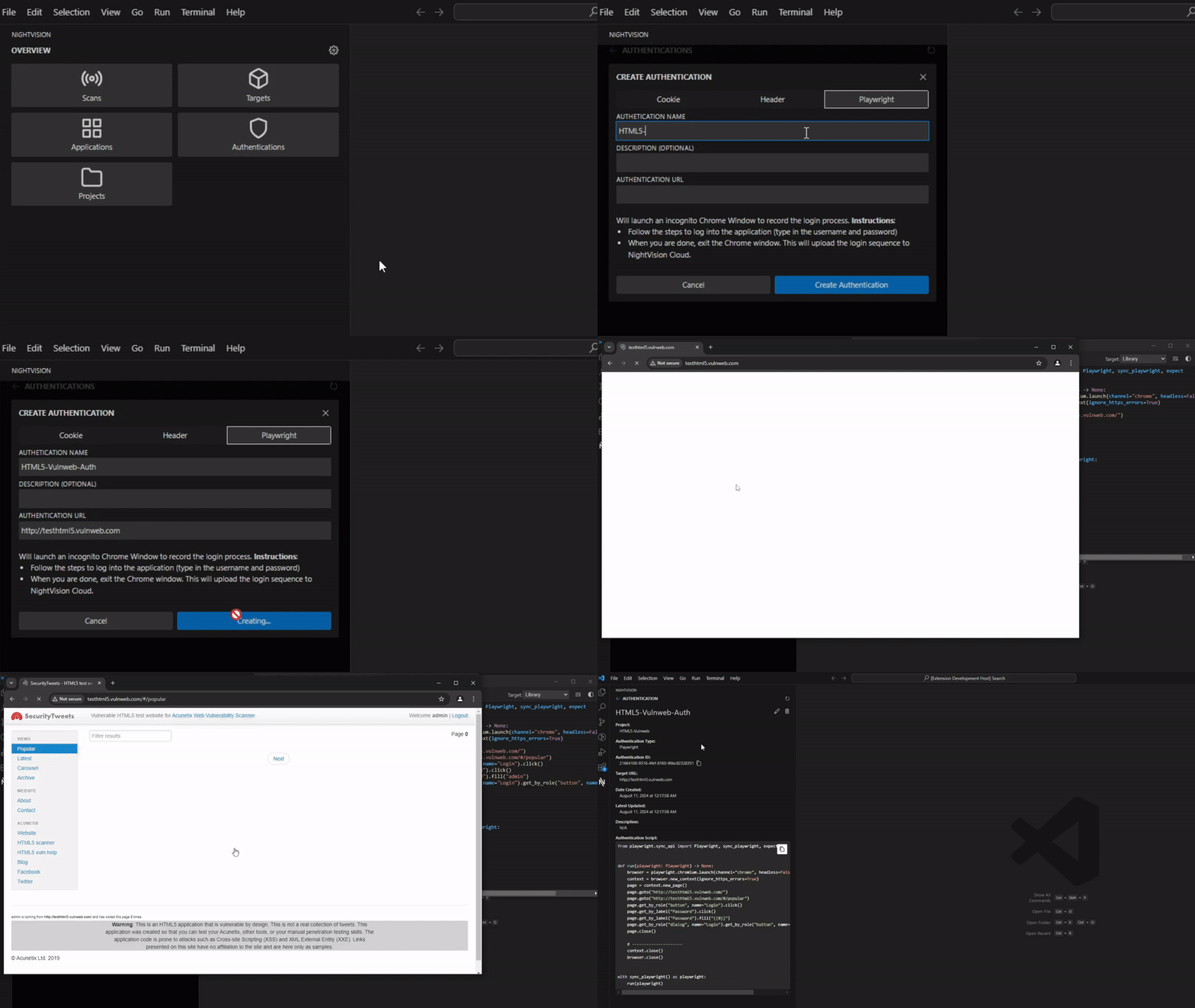
Section titled “Authentications”Create a new Playwright authentication named HTML5-Vulnweb-Auth and set the URL to http://testhtml5.vulnweb.com. This will open a Chrome window at the specified URL. Log in using the username admin and password admin. This authentication enables comprehensive testing of the website, revealing issues behind login screens and other authentication barriers.
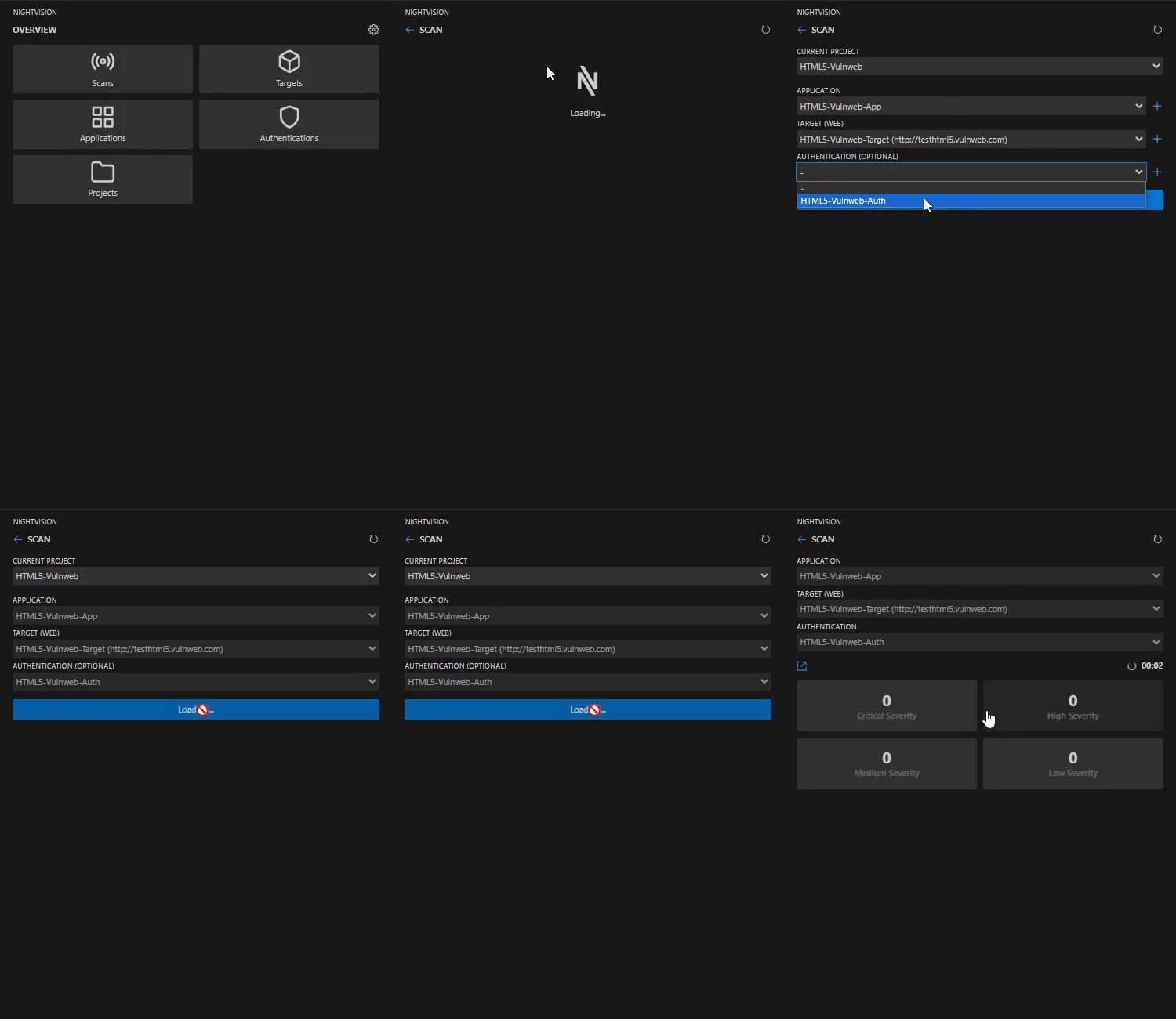
Initiate a new scan using the target we just set up. NightVision will begin analyzing the website for any vulnerabilities.
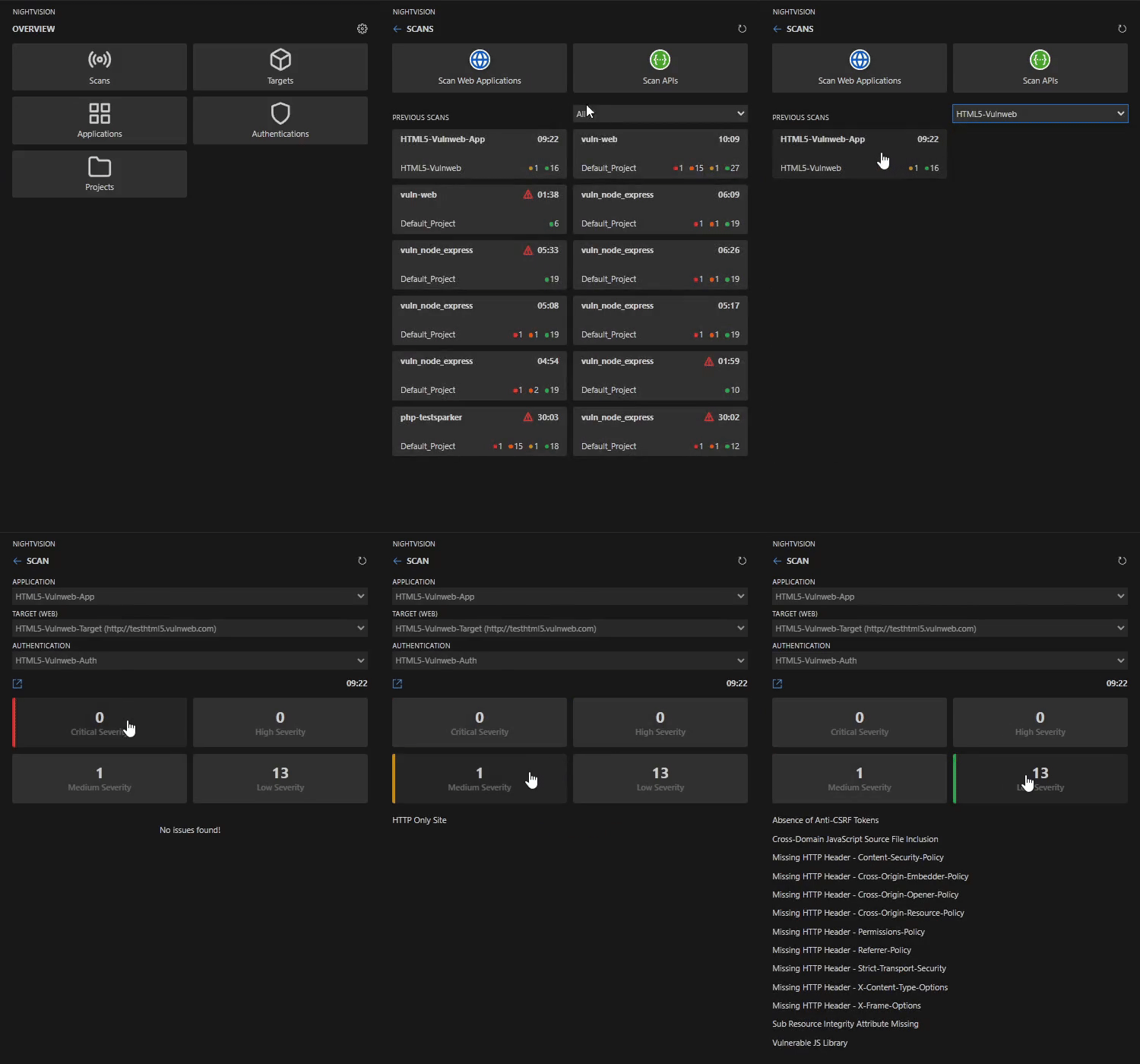
You can monitor the scan in progress or review it after completion to see the vulnerabilities the program has identified on the website.