Enterprise SSO Integration
NightVision uses WorkOS to support SSO integration. WorkOS is compatible with any identity provider that supports either the SAML or OIDC protocols, including Okta, Google, Azure, PingFederate, Auth0, etc.
The SSO integration includes SSO, directory sync, and domain verification. SSO enables NightVision users to authenticate using their organization’s identity provider. Directory sync allows NightVision customers’ IT admins to centrally manage NightVision user accounts through their directory provider. Domain verification lets NightVision customers claim ownership of their domains, enabling the activation of features that require a higher level of trust.
Customers planning to use the SSO integration feature can provide NightVision with their IT admin’s email address. NightVision will complete the initial setup and send a link to the customer organization’s admin to complete the setup.
Customer Setup
Section titled “Customer Setup”Admin Portal
Section titled “Admin Portal”NightVision will send the link to WorkOS Admin Portal to customers. The WorkOS Admin Portal provides an interface for IT admins to set up SSO and directory sync connections. It includes custom documentation for each identity provider to simplify the onboarding process for organizations.
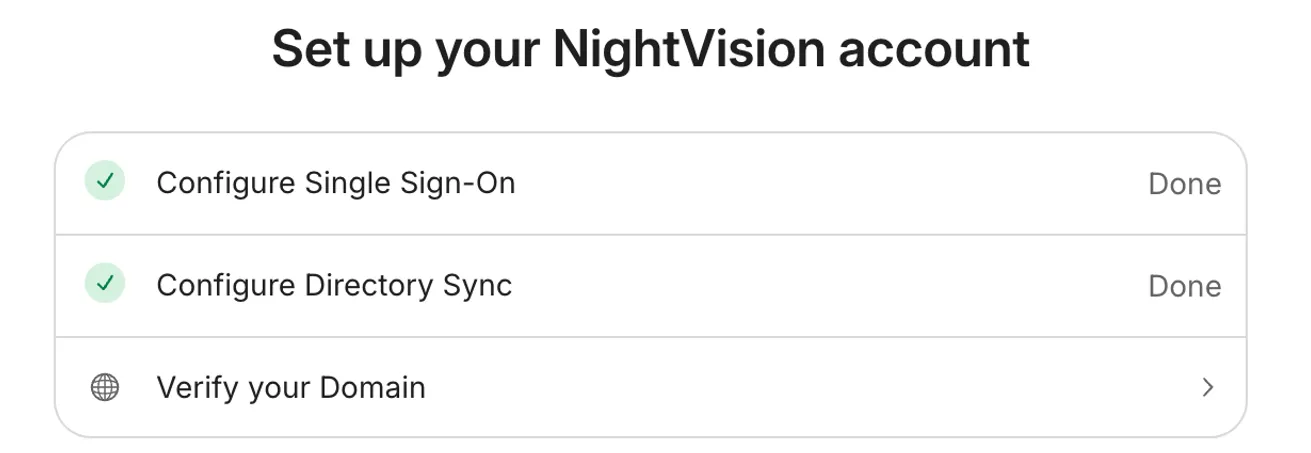
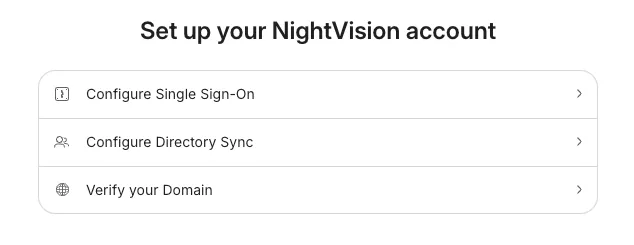
Customers can complete the following tasks through the WorkOS Admin Portal:
- Verify Domain
- Configure SSO
- Configure Directory Sync
Note: Customers need to complete domain verification first before configuring SSO and directory sync.
Domain Verification
Section titled “Domain Verification”WorkOS domain verification enables customers to claim ownership of a domain, which allows activation of features requiring a higher level of trust. IT admins can verify domain ownership by creating DNS TXT records. This step can be repeated to verify multiple domains.
Enter the Domain
Section titled “Enter the Domain”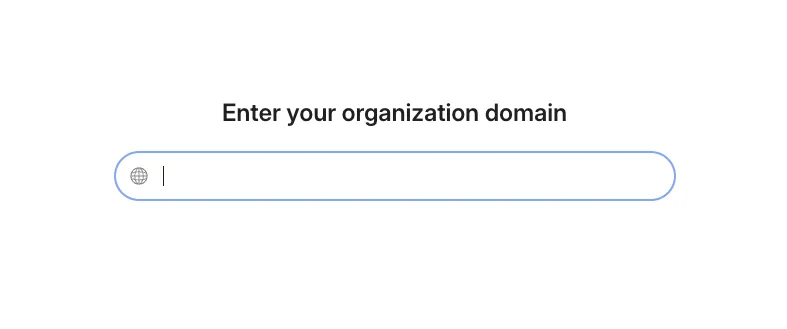
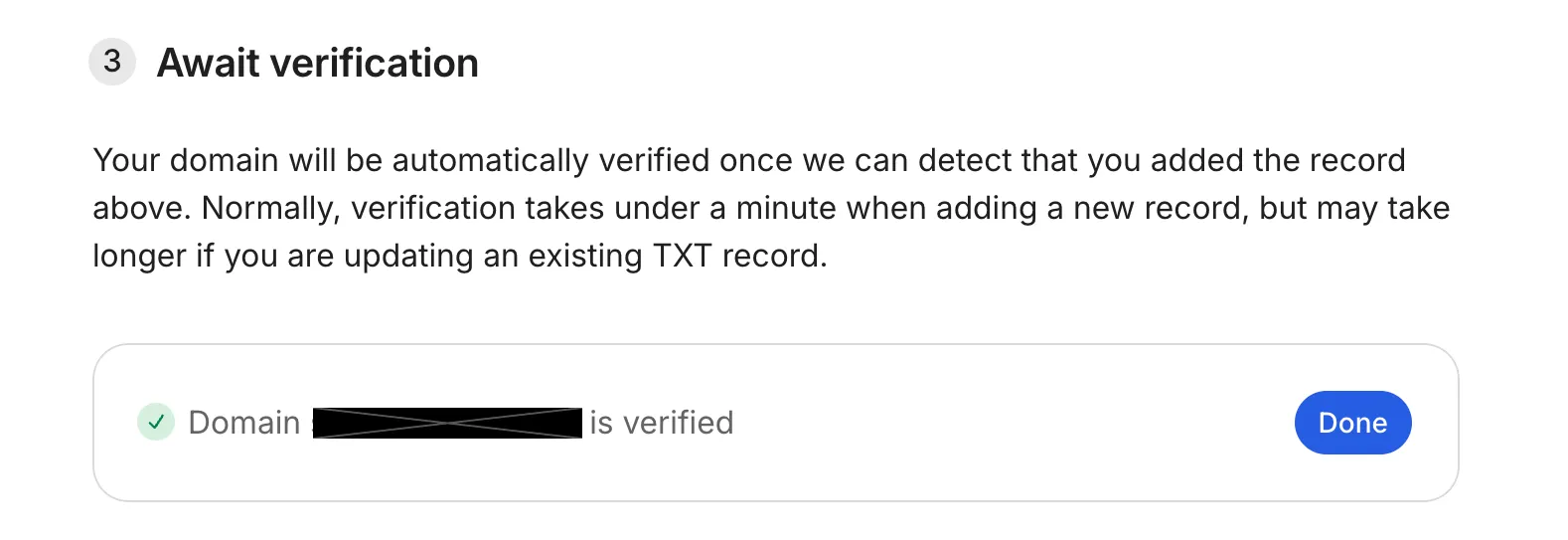
Complete the Verification
Section titled “Complete the Verification”Follow the step by step instructions to complete the domain verification. Please reach out to support@nightviz.ai if you run into issues with completing the verification.
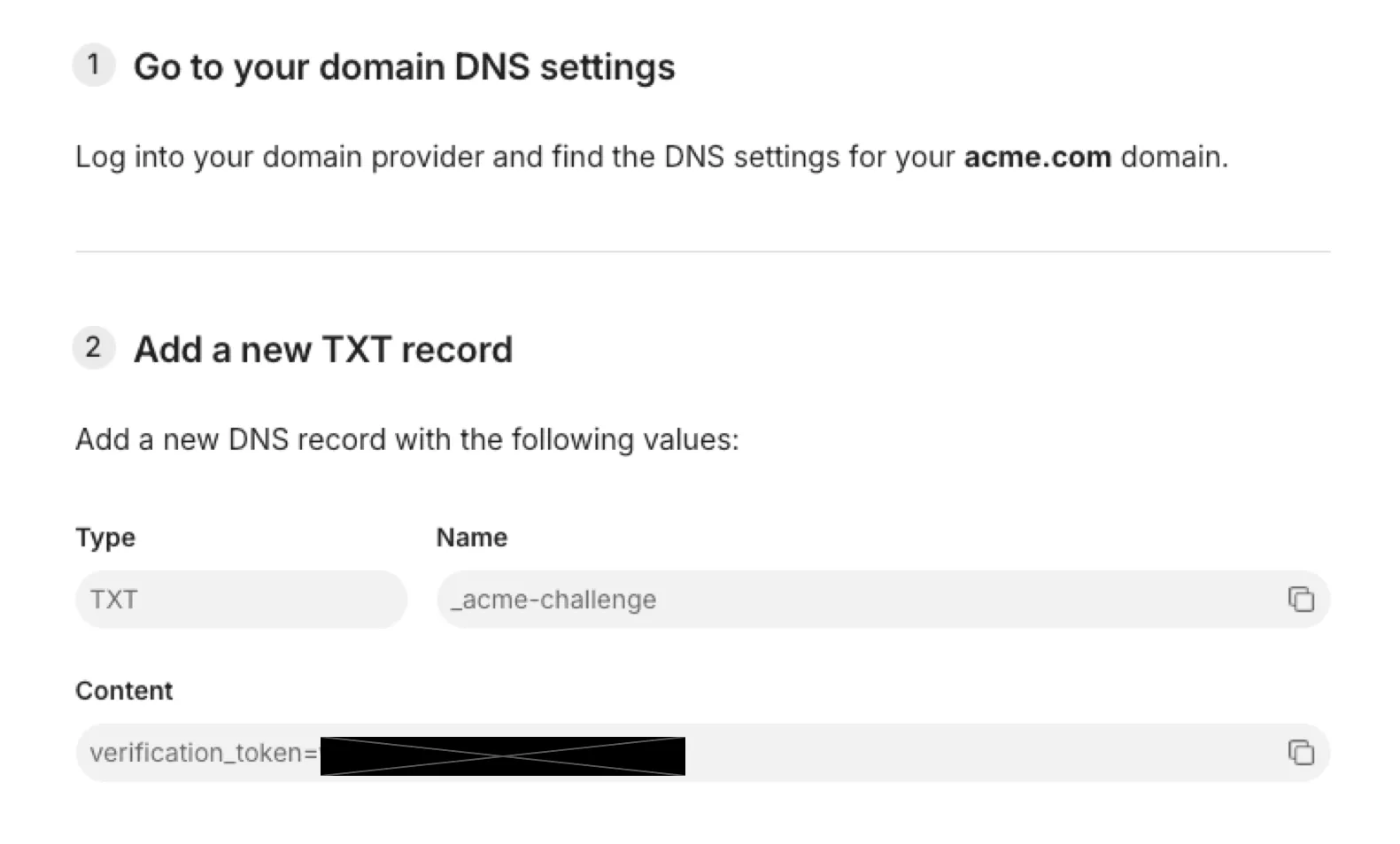
The domain will be marked as Verified after WorkOS detects and verifies the DNS record.
SSO Configuration
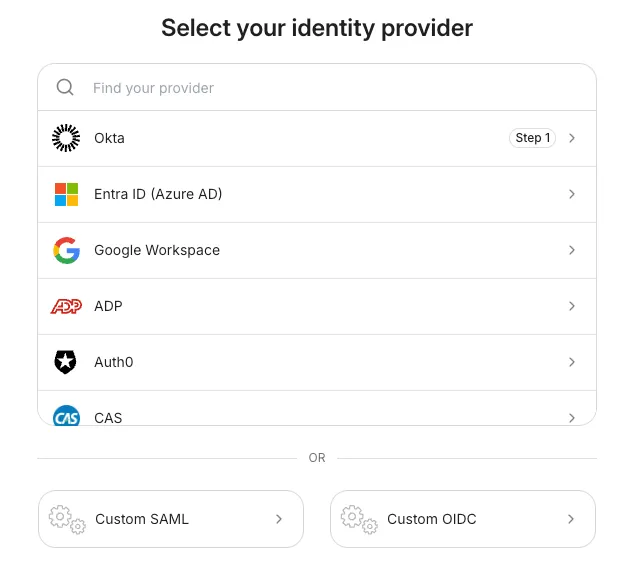
Section titled “SSO Configuration”Select Identity Provider
Section titled “Select Identity Provider”WorkOS supports 20+ identity providers. Customers can select their identity provider to start the SSO integration. Alternatively, customers can also use custom SAML or custom OIDC for SSO integration.
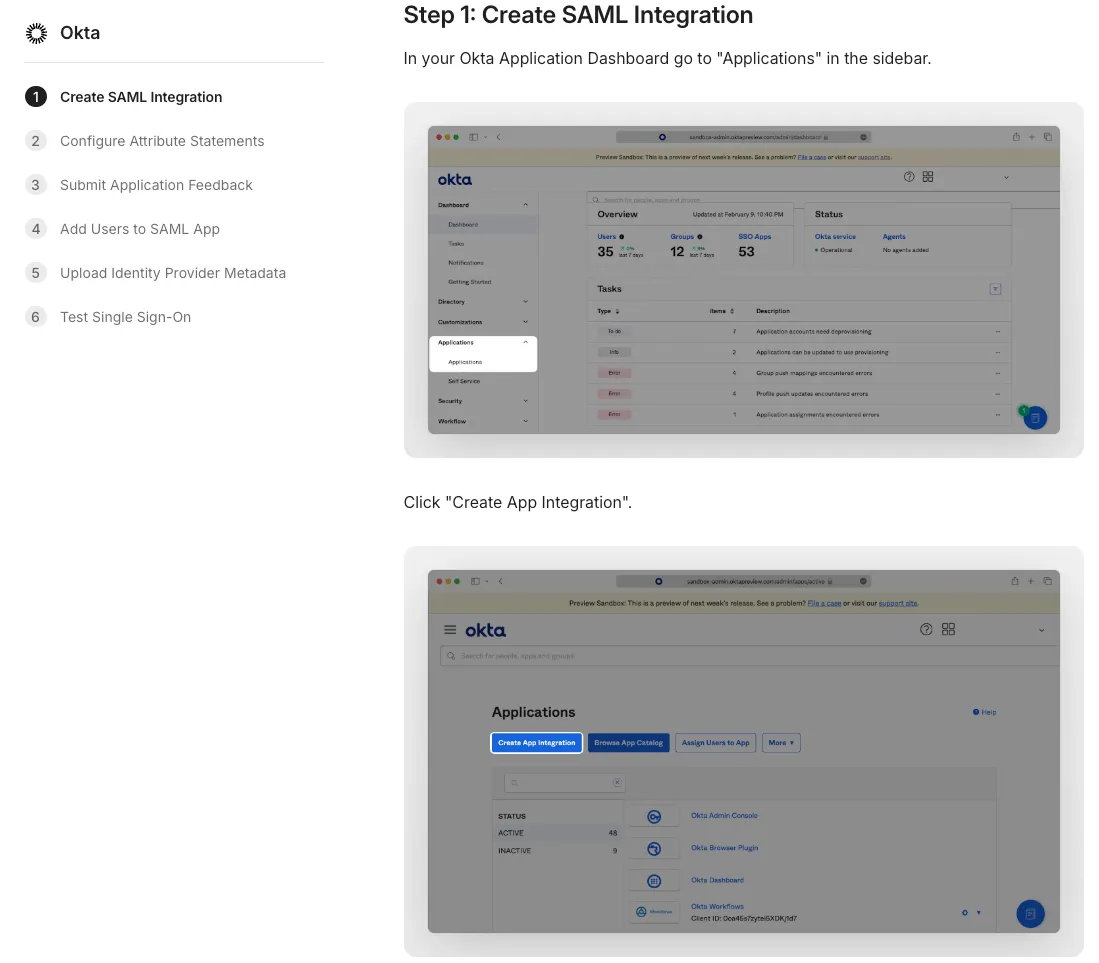
Complete the Configuration
Section titled “Complete the Configuration”Follow the step by step instructions to complete the SSO integration configuration. Please reach out to support@nightviz.ai if you run into issues with completing the integration.
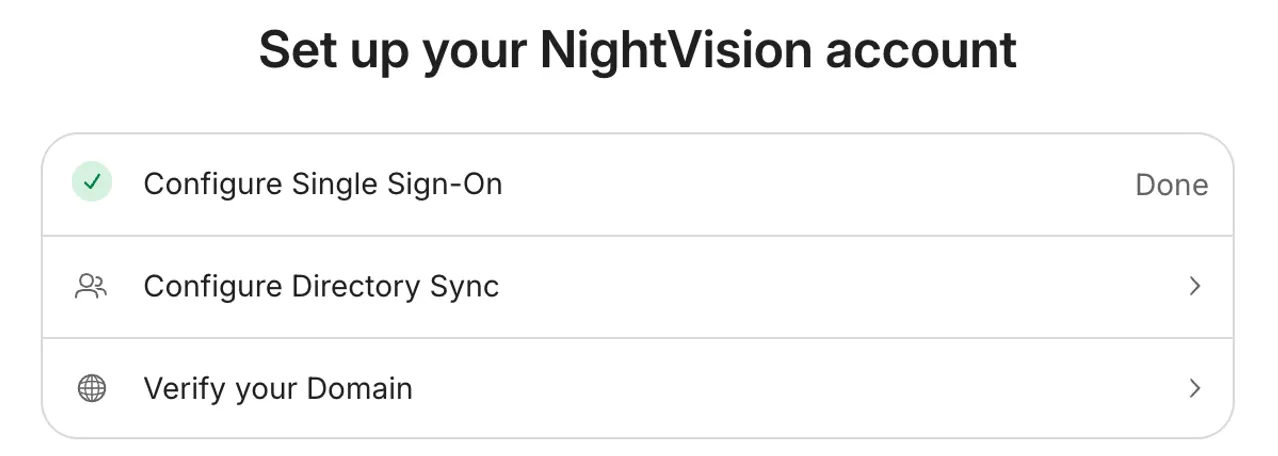
The SSO integration configuration task on the Admin Portal will be marked as Done after it’s completed successfully.
Directory Sync Configuration
Section titled “Directory Sync Configuration”Select Directory Provider
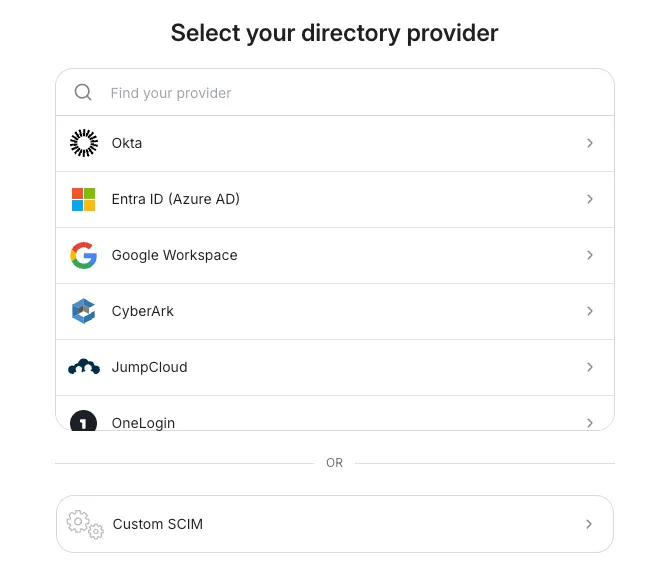
Section titled “Select Directory Provider”WorkOS supports ~10 directory providers. Customers can select their directory provider to start the directory sync configuration. Alternatively, customers can also use custom SCIM to complete the directory sync configuration.
Complete the Configuration
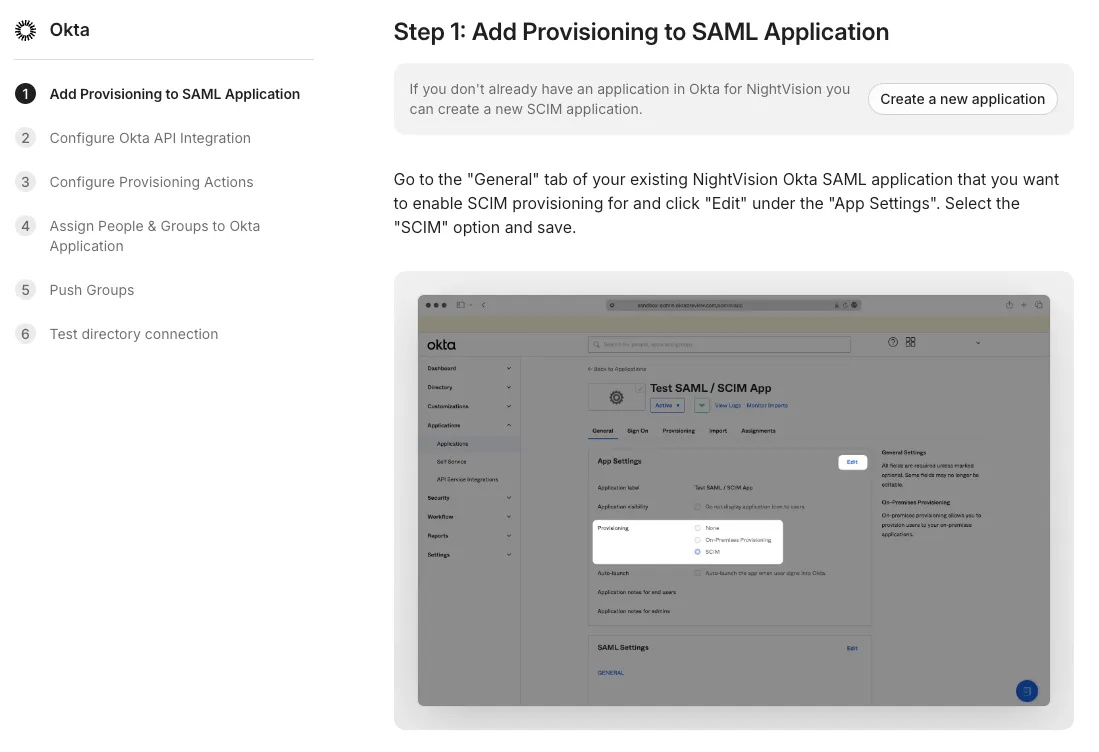
Section titled “Complete the Configuration”Follow the step by step instructions to complete the directory sync configuration. Please reach out to support@nightviz.ai if you run into issues with completing the configuration.
It may take some time to sync users after the initial configuration is completed.
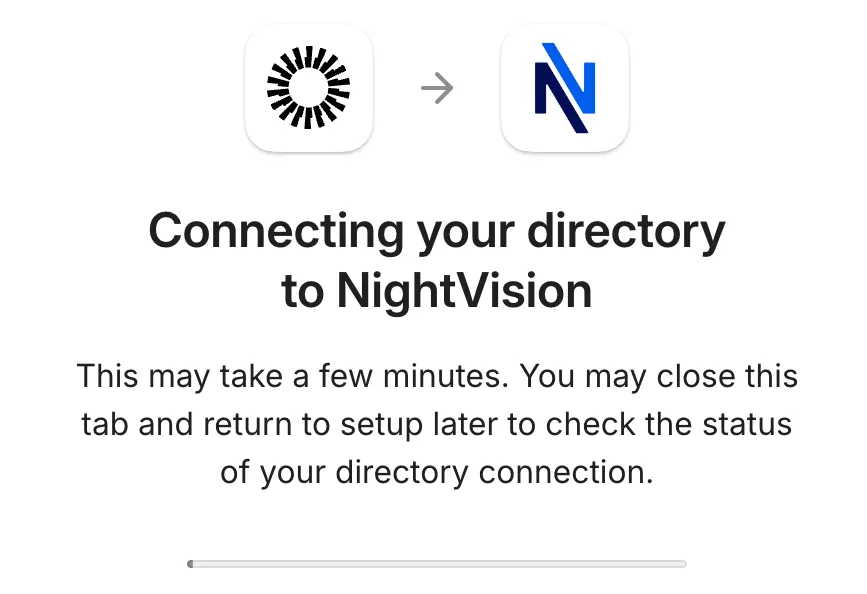
The directory sync configuration task on the Admin Portal will be marked as Done after it’s completed successfully.