Interactive Logins
Description
Section titled “Description”Our authentication scripts enable NightVision to evaluate an application’s endpoints behind authentication or login pages. This step is optional, yet it offers much more thorough coverage and mimics scenarios where a malevolent individual establishes a new user account or acquires compromised credentials.
Try the commands below for an authenticated scan against the public targets.
How to Record Authentication
Section titled “How to Record Authentication”Open the NightVision CLI and enter the following command:
nightvision auth playwright create testphp http://testphp.vulnweb.comThis will bring up an incognito Chrome window to record the authentication sequence. In the Chrome window:
- Navigate to the URL of the web application you want to scan.
- Log in to the web application.
- Username:
test - Password:
test
- Username:
- Once it is logged in, close the Chrome window.
It will automatically upload the authentication sequence to NightVision’s API.
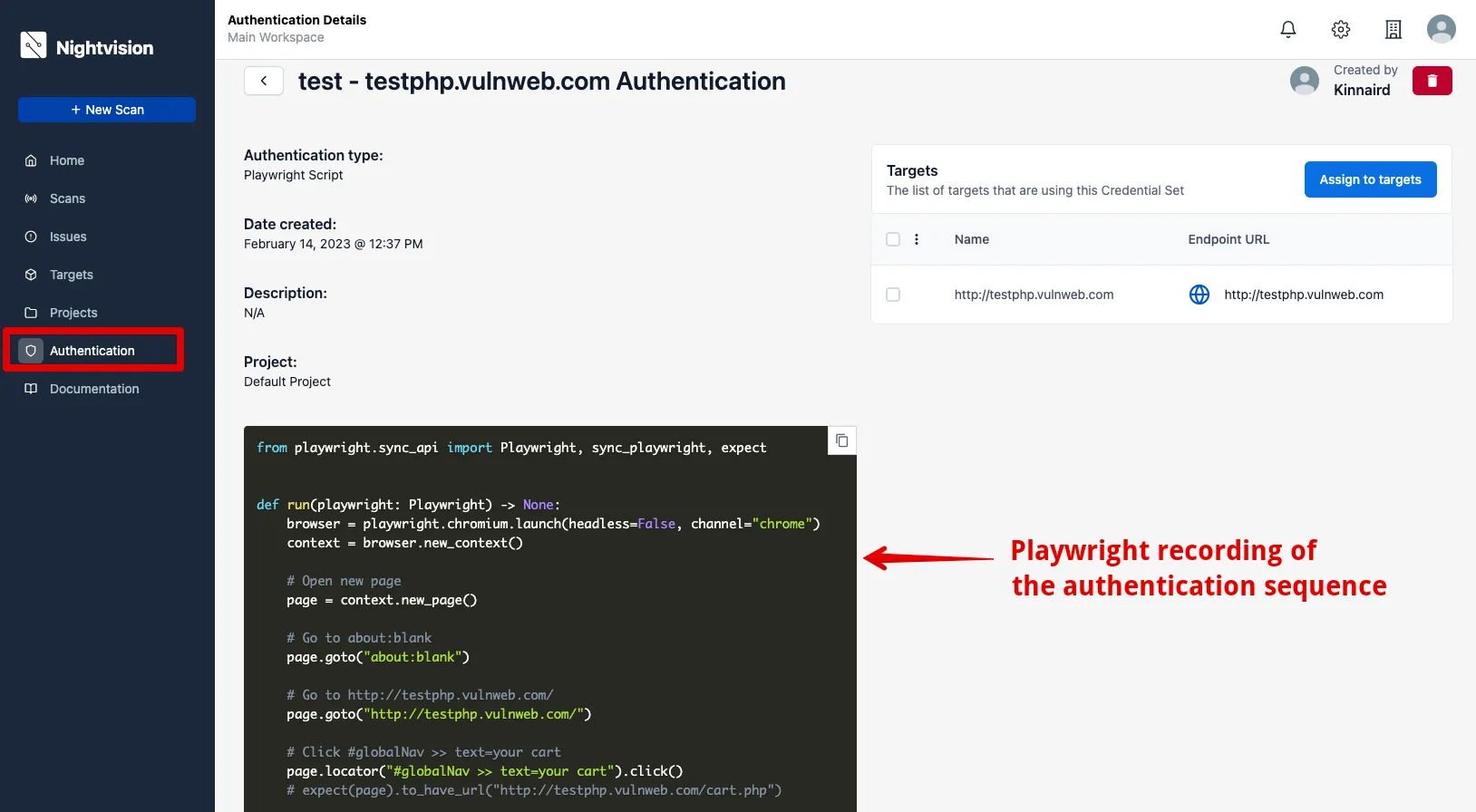
- Navigate to the Authentication page - Authentications. You’ll notice that the credentials you just recorded now appear in the list.
- If you click on it, you’ll see the recorded Playwright script.