Generate API Tokens
Description
Section titled “Description”In this tutorial, you’ll learn how to generate API tokens to help you build NightVision DAST scans into your CI/CD pipelines.
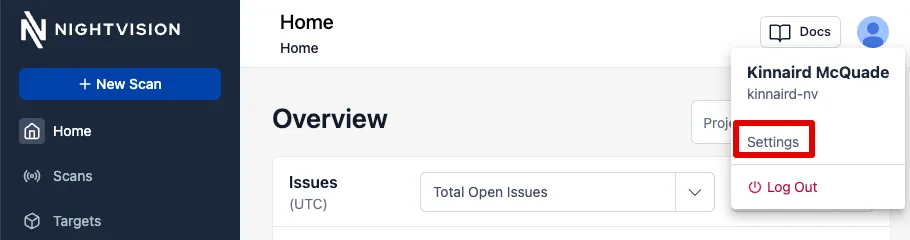
- Click on the user’s profile picture in the top right and select Settings.
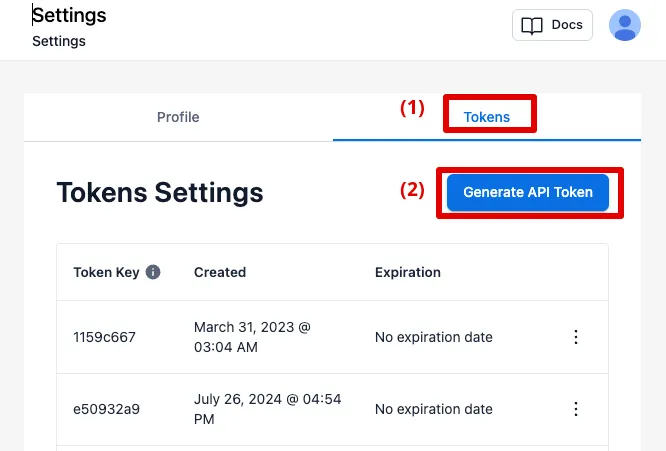
- Inside the Settings menu, select Tokens and then click on Generate API Token.
- In the pop-up, set an expiration date for the token in the Expiration dropdown. You can also set No Expiration and revoke the token at a later date.
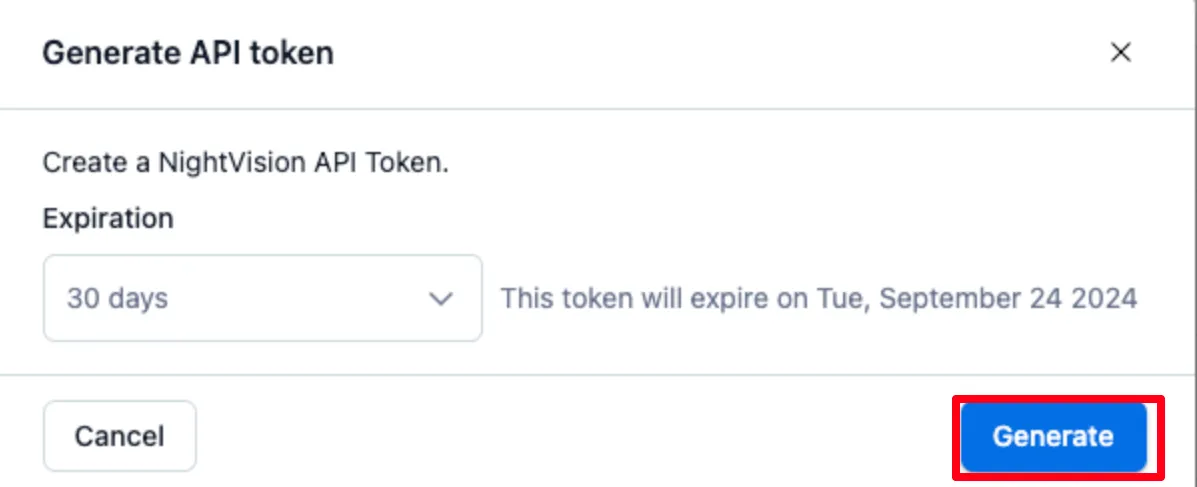
- Now click Generate.
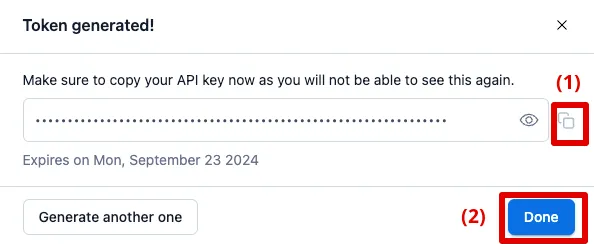
- Add this
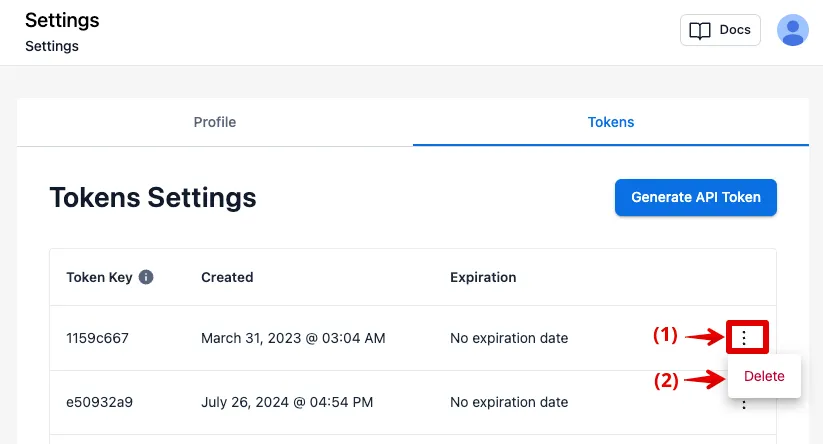
NIGHTVISION_TOKENsecret to your repository secrets or local environmental variables to run any of the following integrations in this guide. For more tutorials on how to integrate these with your CI/CD provider, see the following Integration pages: - Note: You can revoke tokens in the Tokens tab at any time by clicking on the 3 dot kebab menu icon and then selecting Delete.